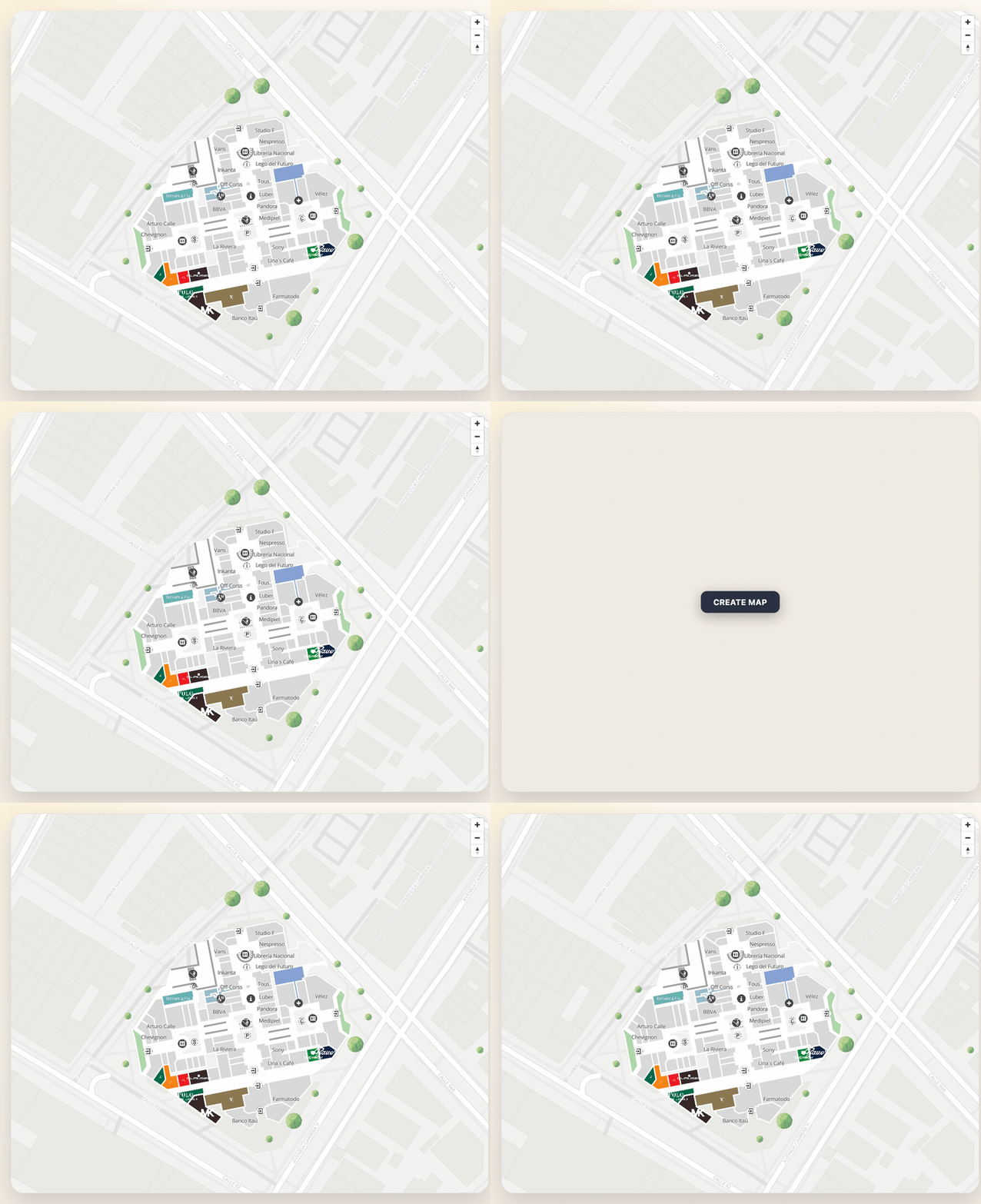
Creating a Map
This guide explains how to create a map and integrate it into your web application using the MapVX SDK.
Step 1: Setting up the HTML
First, add an HTML element to your template where the map will be displayed. If you’re using templates, add a simple div element with an ID to specify the map’s location:
<div id="map"></div>If you’re creating the HTML in code, create a <div> element and append it to the desired location
in your document. In order to create a valid map, you need to pass an
HTMLElement so the library can get
where it should display the map.
Step 2: Importing and Initializing the SDK
Import the initializeSDK and necessary components into your code:
import { initializeSDK, MapConfig } from "@mapvx/web-js"Then, initialize the SDK with your API key:
const sdk = initializeSDK("YOUR-API-KEY")Replace YOUR-API-KEY with the API key you obtained for using the SDK.
Step 3: Creating the Map
Get a reference to the map container element:
const mapContainer = document.getElementById("map")Then, create the map using the createMap method:
const mapConfig: MapConfig = {
  zoom: 17,
  center: {
    lat: 4.666918,
    lng: -74.053065
  }
};
const map: MapVXMap = sdk.createMap(mapContainer, mapConfig);
The MapConfig object defines the initial view of your map, including the
zoom level and center coordinates. In the map variable, we have the new
MapVXMap which is returned with the createMap function and has a lot of
elements to play with.
Interacting with the Map
You can now interact with the map object to add markers, change the view, and perform other actions. Save the map object for future interactions:
// Example: Change the map center
map.setCenter({ lat: 25.3257892, lng: 51.5305776 })
Full example
Here’s the complete code example:
Make sure to replace YOUR-API-KEY with your actual API key.
<div id="map"></div>import { initializeSDK, MapConfig } from "@mapvx/web-js";
const mapContainer = document.getElementById("map");
if (mapContainer) {
const sdk = initializeSDK('YOUR-API-KEY');
const mapConfig: MapConfig = {
zoom: 17,
center: {
lat: 4.666918,
lng: -74.053065
}
};
const map: MapVXMap = sdk.createMap(mapContainer, mapConfig);
}The result should look something like this: