Single and Multi-Route Usage
This section covers multiple ways of working with routes on the map, including drawing a single route, managing multiple routes simultaneously, and customizing them using the available functions and configuration options.
You’ll learn how to add, display, and personalize routes individually or in groups, and how to utilize the core methods for flexible route management in your application.
Create initial configuration for route
To add a route to the map, you will need a
GetRouteConfiguration to specify the route to generate. This
class allows to create a route with different types of configuration. This are a few of the
arguments that you can pass to build it:
- preferAccessibleRoute: (boolean) To indicate if you want to create a route with accessibility in mind.
- language: (string) to set the language in which the instructions would be returned.
- unitSystem: (string) determines then unit system in which the instructions will be delivered (Metric or Imperial).
- announceFormat: (string) the format used to announce directions in the instructions
(
RELATIVE,CARDINALorCLOCK). Defaults toRELATIVE. - userBearing: (number) the user’s heading in degrees clockwise from north (0–360), used as the
reference direction when announcing turns. Defaults to
0.
If you need more customization for the route generation, see
GetRouteConfiguration in the documentation.
Here’s an example of a valid configuration.
const map: MapVXMap
const routeConfig: GetRouteConfiguration = {
  initialLocation: { id: "<INITIAL_PLACE_ID>" },
  finalLocation: { id: "<FINAL_PLACE_ID>" },
}
The only obligatory arguments of GetRouteConfiguration are
initialLocation and finalLocation of type RouteLocation that is a
union of the types IdLocation and
MVXLocation. These arguments define the origin and
destination for the route.
If you have an identifier from your origin or destination, you can use an IdLocation as the
example above. Even if you don’t have and identifier, you can define the origin or destination of
the route with a latitude and longitude using MVXLocation
like the example below.
finalLocation: {
  lat: 4.666918,
  lng: -74.053065,
},
Disambiguating internal aliases
The id in an IdLocation can be an internal alias defined by your
integration. Because aliases are not guaranteed to be globally unique (the same alias may be reused
across different buildings, e.g. the same store code present in several shopping malls), provide
buildingId to resolve the alias to the correct venue. When a place exists on multiple floors, you
can also pin the floor with floorId (which takes precedence over the numeric level).
const routeConfig: GetRouteConfiguration = {
  initialLocation: {
    id: "store-204", // integrator alias, may repeat across buildings
    buildingId: "<BUILDING_ID>",
    floorId: "<FLOOR_ID>",
  },
  finalLocation: {
    id: "store-512",
    buildingId: "<BUILDING_ID>",
    floorId: "<FLOOR_ID>",
  },
}
Drawing configuration
If you need to add the route to a certain map already created, you need to provide a
DrawRouteConfiguration to set the style in which the route will be drawn on the map.
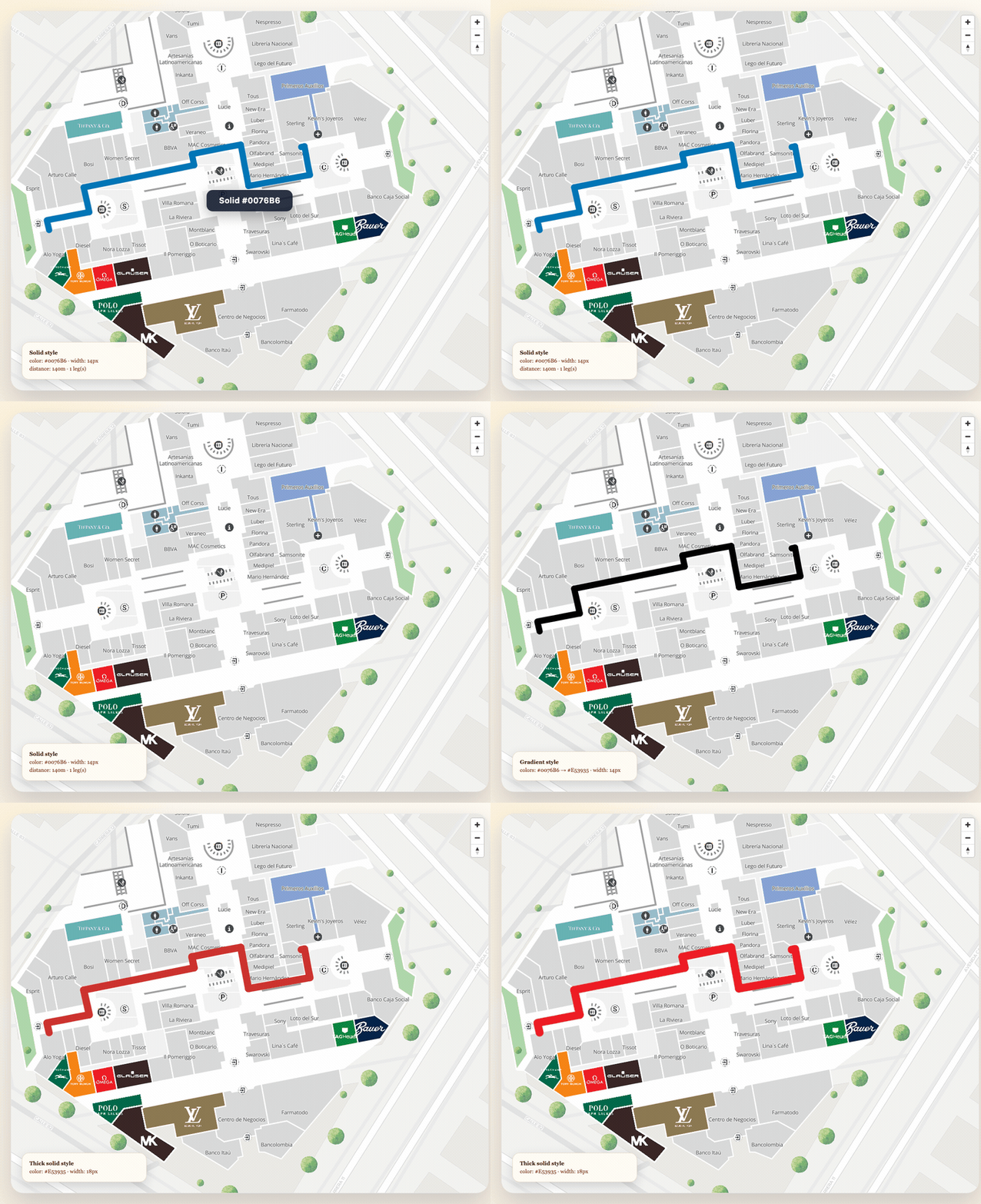
const drawConfig: DrawRouteConfiguration = {
  polylineWidth: 5,
  routeStyle: { type: "Gradient", colors: ["#000000", "#555555", "#FFFFFF"] },
}
Then you can add the route to the map with the function addRoute available in the MapVXMap
object associated with your map.
const route = await map.addRoute(routeConfig, drawConfig)After this, the result should look like this:
Multiple routes
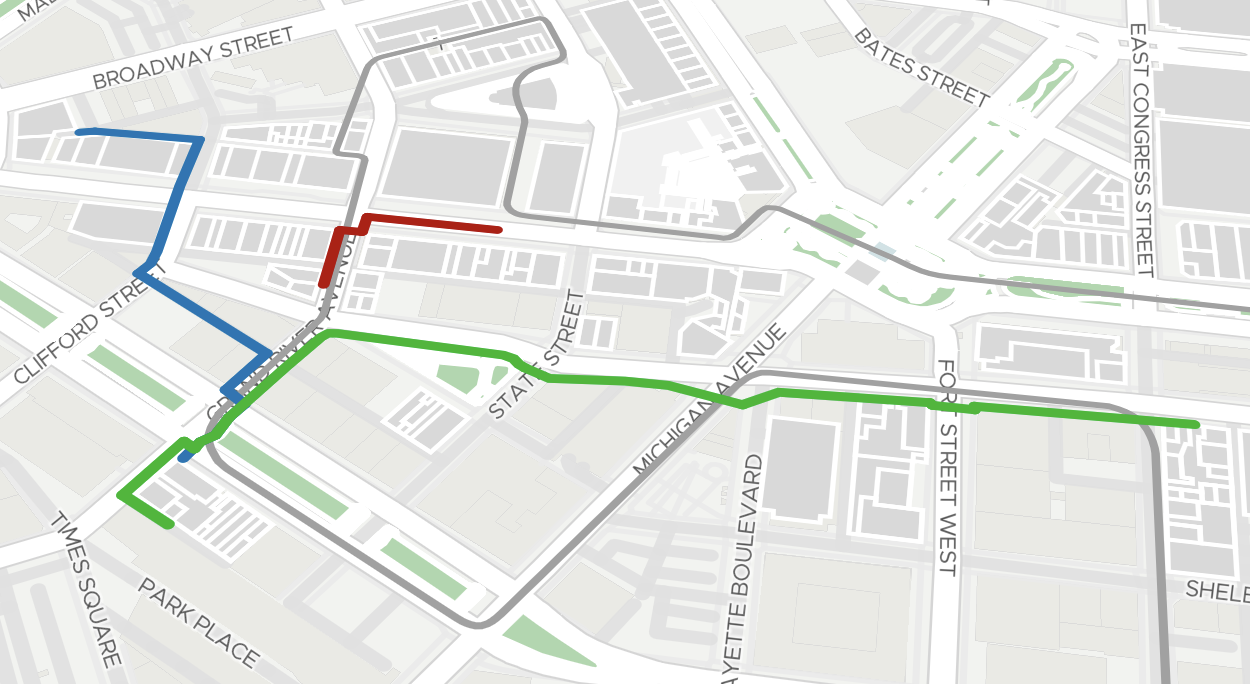
You can add multiple routes to the map simultaneously. Each call to addRoute returns an
MVXRoute with a unique id that you can use to manage individual routes.
// Add first route
const routeA = await map.addRoute(
  {
    initialLocation: { id: "<PLACE_A>" },
    finalLocation: { id: "<PLACE_B>" },
  },
  { routeStyle: { type: "Solid", color: "#0076B6" }, polylineWidth: 6 }
)

// Add second route with a different color
const routeB = await map.addRoute(
  {
    initialLocation: { id: "<PLACE_C>" },
    finalLocation: { id: "<PLACE_D>" },
  },
  { routeStyle: { type: "Solid", color: "#E53935" }, polylineWidth: 6 }
)
After this, the result should look like this:
Managing individual routes
Use the route id to remove specific routes without affecting others:
// Remove only the first route
map.removeRoute(routeA.id)

// Remove all routes at once
map.removeAllRoutes()

// Get the IDs of all currently active routes
const activeIds = map.getActiveRouteIds()
Tracking user position on a route
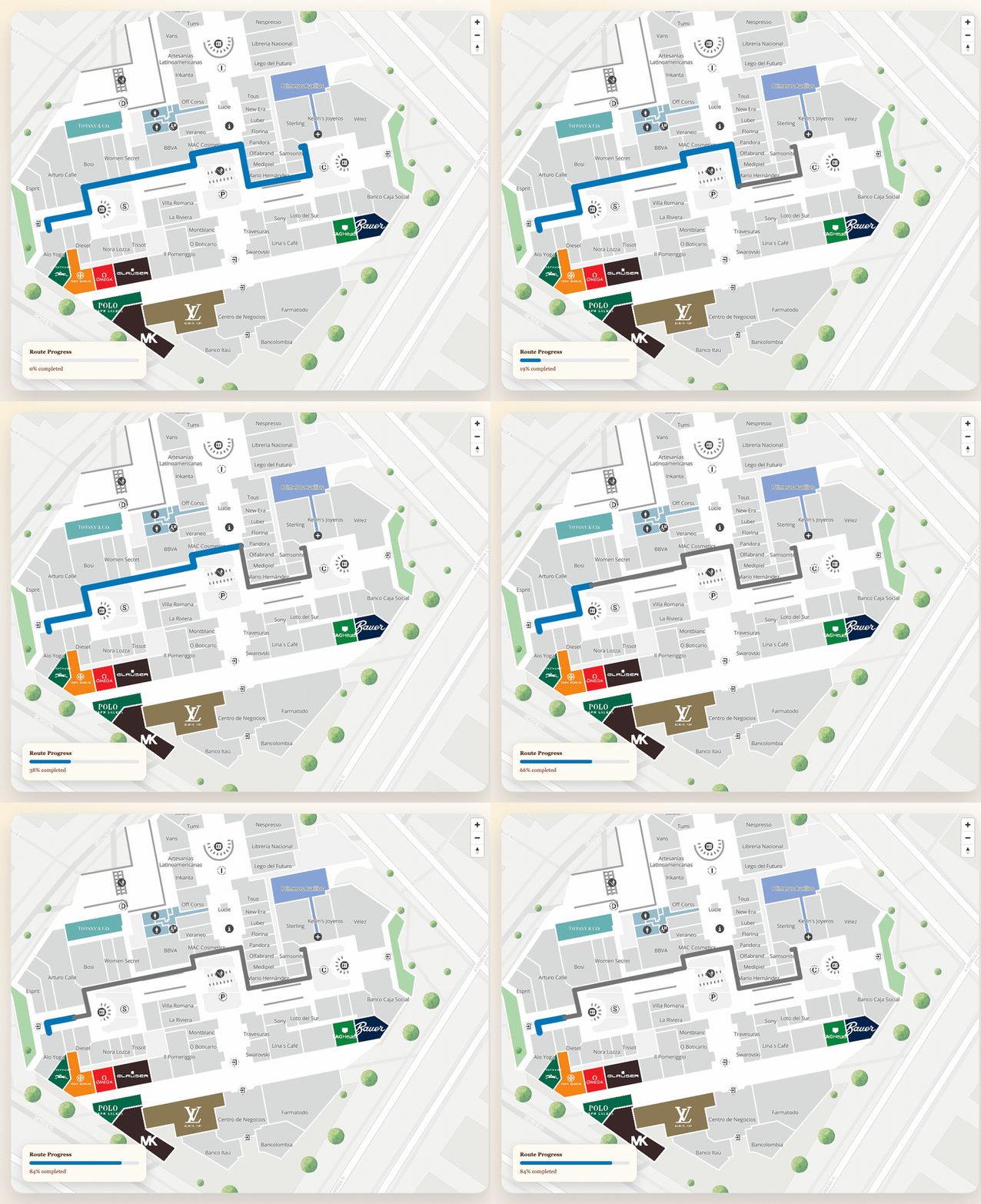
Use updateRouteProgress to visually split a route into a behind (already traveled) and
ahead (remaining) portion based on a user’s current position.
const route = await map.addRoute(routeConfig, {
  routeStyle: { type: "Solid", color: "#0076B6" },
  polylineWidth: 6,
})

// As the user moves, update the route progress
function onUserPositionUpdate(position: LatLng) {
  map.updateRouteProgress(route.id, position, {
    type: "Solid",
    color: "#757575",
  })
}
The behindStyle parameter is optional and defaults to a gray solid line (#757575). The ahead
portion keeps the original style set when the route was added.
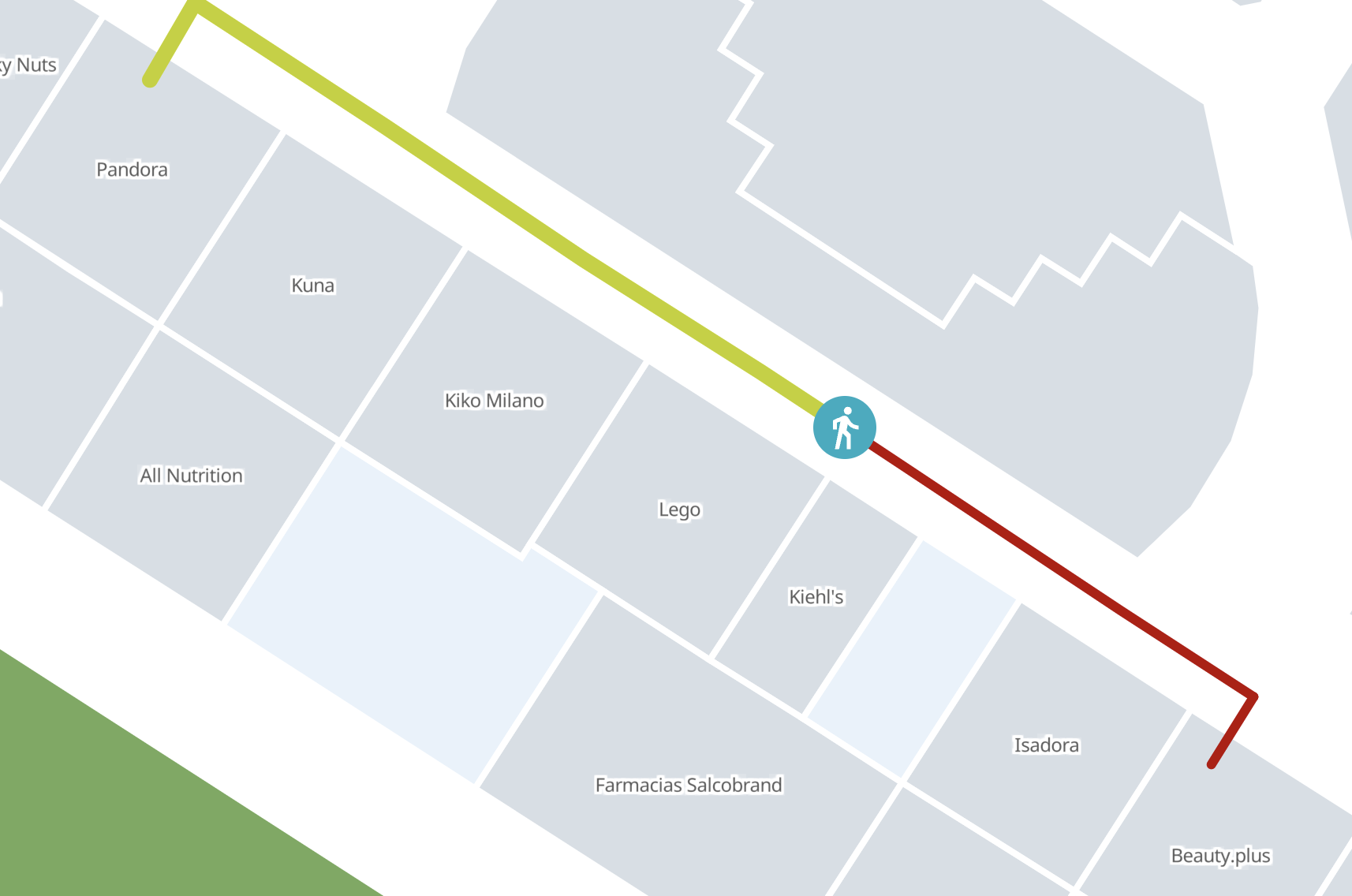
This works with multiple simultaneous routes — each route tracks its own progress independently:
function onPositionUpdate(userA: LatLng, userB: LatLng) {
  // Each route updates independently
  map.updateRouteProgress(routeA.id, userA, {
    type: "Solid",
    color: "#90CAF9",
  })
  map.updateRouteProgress(routeB.id, userB, {
    type: "Solid",
    color: "#EF9A9A",
  })
}
The position is automatically projected onto the nearest point on the route polyline, so even noisy GPS coordinates will produce a smooth trail. This works independently per route, enabling multiple users to be tracked on different routes simultaneously.