Remote Configuration and CSS Customization
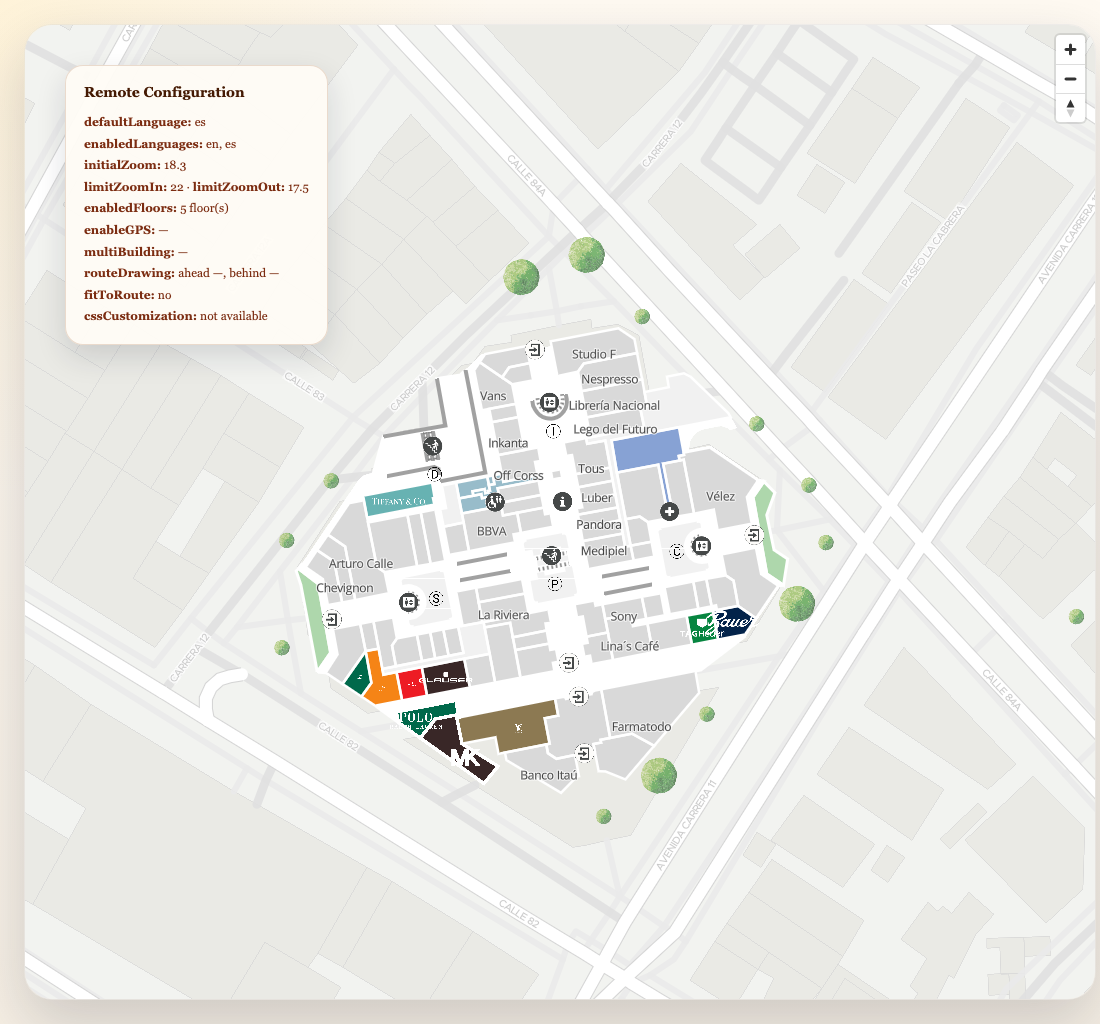
Use this guide when your app needs more than places and routes. The SDK can also load remote configuration, remote CSS customization, and request context metadata for directory or totem products.
Load configuration for a specific place and product
import { initializeSDK, loadCustomization } from "@mapvx/web-js"

const sdk = initializeSDK("<YOUR_API_KEY>", {
  lang: "es",
  mapvxRequestContext: {
    baseUrl: "https://example.com/directory",
    fullUrl: "https://example.com/directory/mall-a",
    institutionId: "<INSTITUTION_ID>",
    institutionName: "Main mall",
    parentPlace: "<PARENT_PLACE_ID>",
    originId: "qr-east-entry",
    mvxProduct: "directory",
  },
})

const configuration = await sdk.getConfiguration("<PARENT_PLACE_ID>", "directory")

console.log(configuration)
Why mapvxRequestContext matters
mapvxRequestContext lets the backend know which deployment is making the request. This is
especially useful for:
- directory experiences that need
originIdorinstitutionId - totems that need a
totemId - analytics or configuration variants tied to a deployment URL
Load remote CSS customization
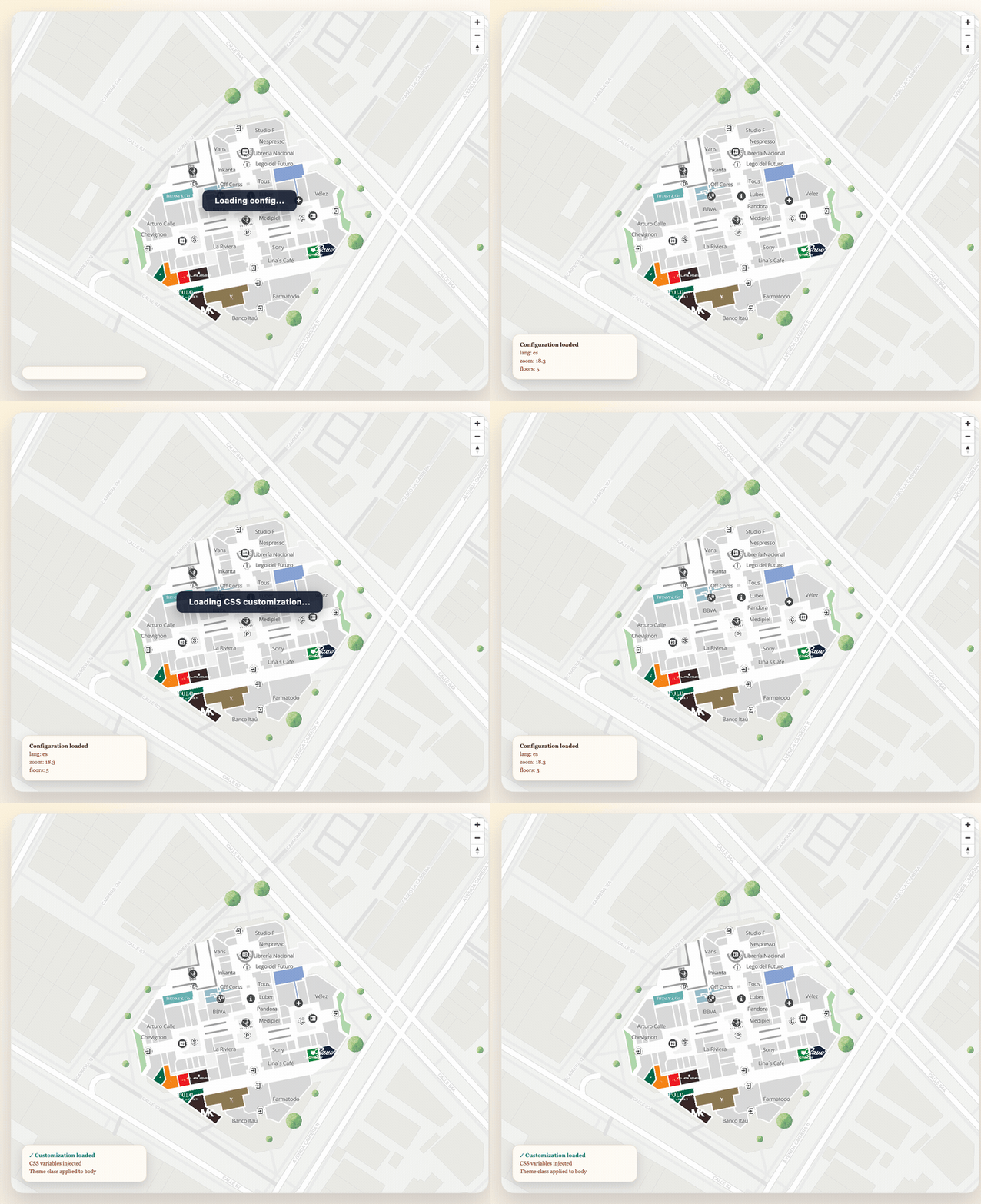
For products that expose CSS customization remotely, fetch it and inject the variables into the document:
const customization = await sdk.getCssCustomization("totems")
loadCustomization(customization)
loadCustomization creates CSS variables and activates the first theme automatically by adding its
name to document.body.classList.
Switching themes manually
If the remote customization contains several themes, you can toggle the active body class yourself:
document.body.classList.remove("theme-light", "theme-dark")
document.body.classList.add("theme-dark")
Recommended flow for branded apps
async function bootstrapBrandedMap(): Promise<void> {
  const sdk = initializeSDK("<YOUR_API_KEY>", {
    lang: "es",
    mapvxRequestContext: {
      institutionId: "<INSTITUTION_ID>",
      parentPlace: "<PARENT_PLACE_ID>",
      mvxProduct: "totems",
    },
  })

  const [configuration, customization] = await Promise.all([
    sdk.getConfiguration("<PARENT_PLACE_ID>", "totems"),
    sdk.getCssCustomization("totems"),
  ])

  loadCustomization(customization)

  const map = sdk.createMap(document.getElementById("map") as HTMLElement, {
    center: configuration.coordinates ?? { lat: 4.666918, lng: -74.053065 },
    zoom: 18,
    parentPlaceId: "<PARENT_PLACE_ID>",
  })

  console.log("Branded map ready", map)
}
Related examples
- Data Loading for cached configuration and place loading patterns
- Create a Map for plain
createMapsetup
Last updated on