User Tracking
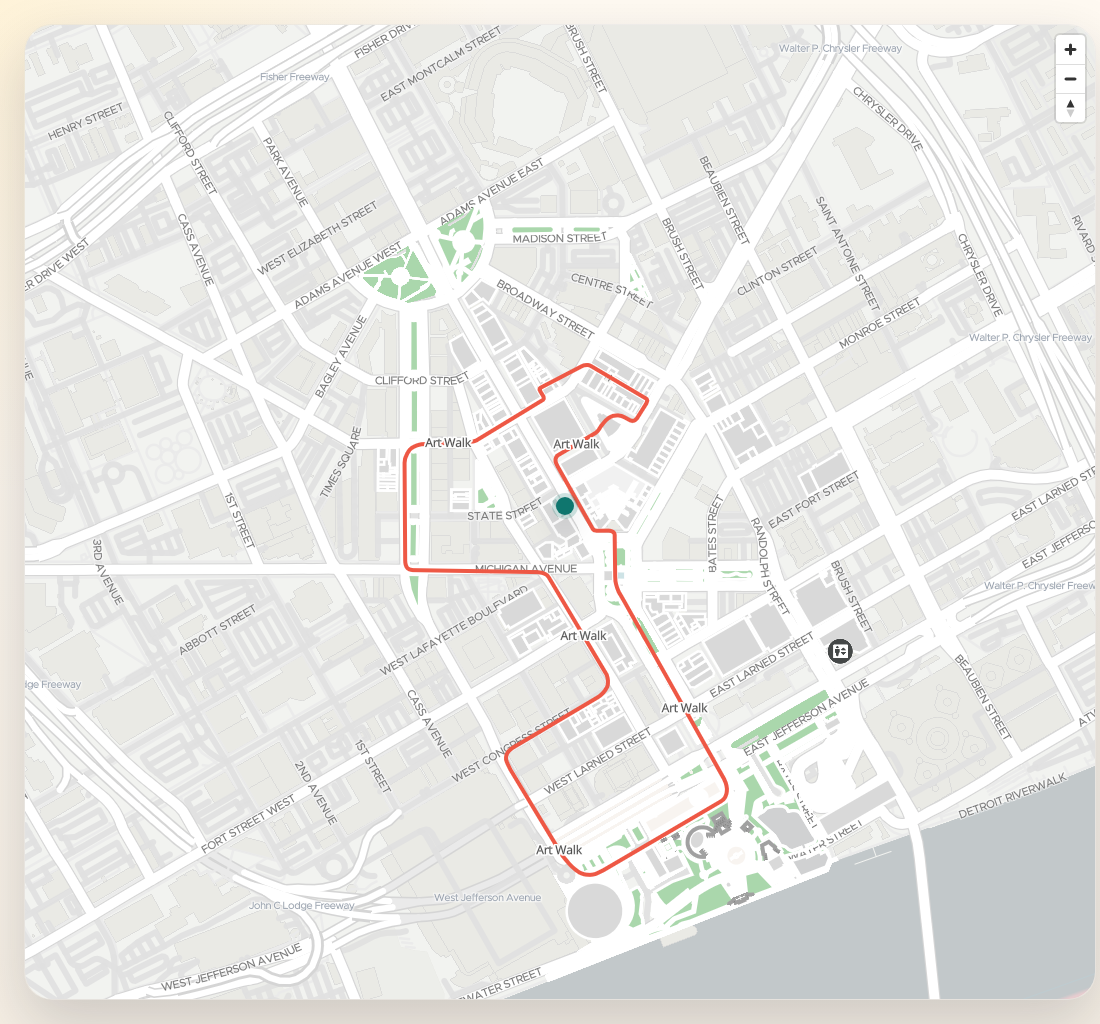
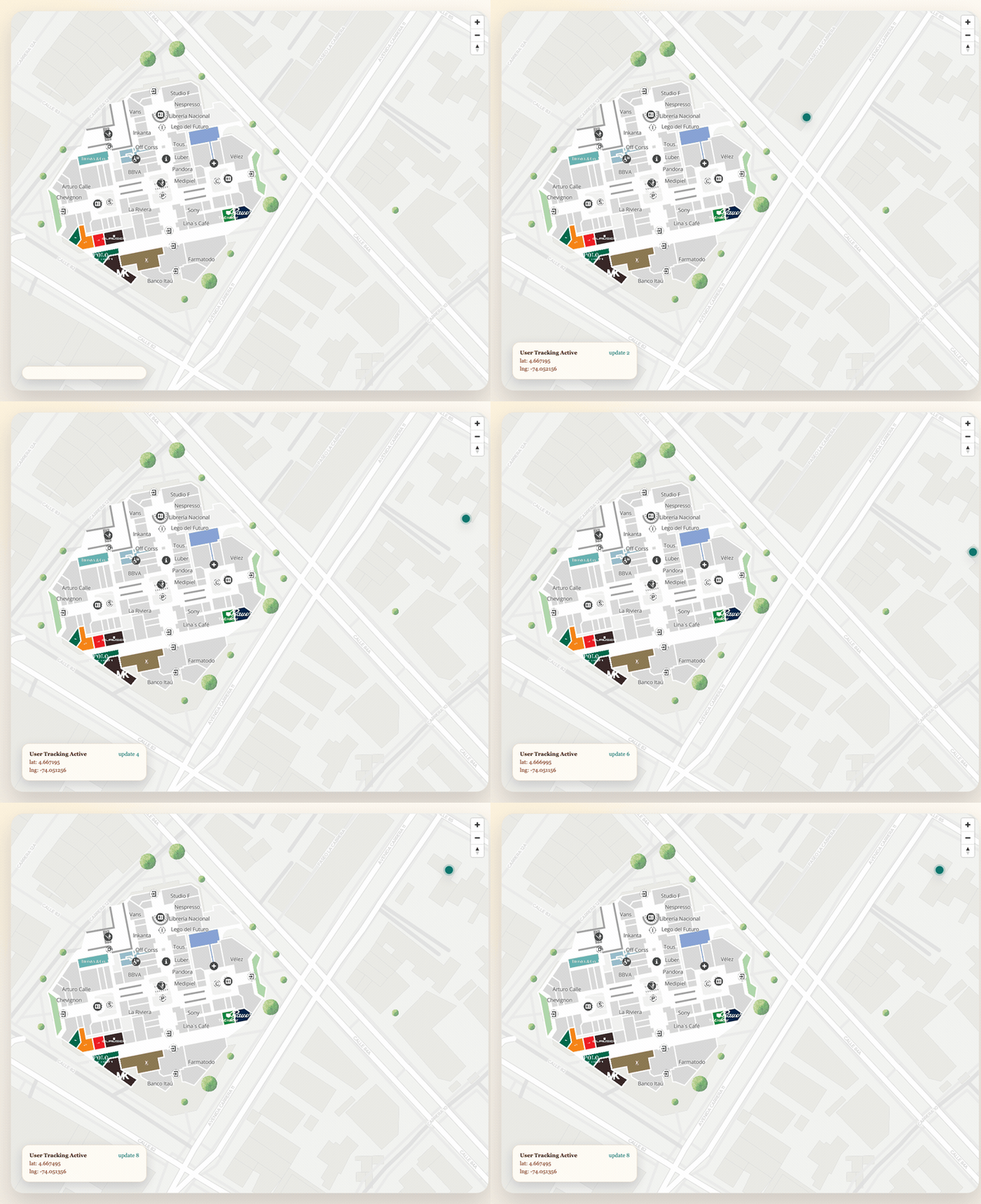
This guide covers the APIs used to track the current user in the SDK and on the map:
watchUserPositionwatchUserHeadingaddUserLocationTrackingremoveUserLocationTracking
Setup
const sdk = initializeSDK("<YOUR_API_KEY>", { lang: "es" })
const map = sdk.createMap(document.getElementById("map") as HTMLElement, {
  center: { lat: 4.666918, lng: -74.053065 },
  zoom: 18,
})
Watch the user’s raw position in the SDK
const watchId = sdk.watchUserPosition(
  (position) => {
    console.log("User position", position.lat, position.lng)
  },
  (error) => {
    console.error("Position error", error)
  }
)
Later, stop the watcher:
sdk.unWatchUserPosition(watchId)Add the user marker directly on the map
map.addUserLocationTracking(true)The first argument enables high-accuracy tracking. If you want to provide your own geolocation object, pass it as the second argument.
Customize the user marker
const icon = document.createElement("div")
icon.className = "user-pin"

map.addUserLocationTracking(true, navigator.geolocation, icon)
.user-pin {
width: 18px;
height: 18px;
border-radius: 999px;
background: #0f766e;
box-shadow:
0 0 0 4px rgba(15, 118, 110, 0.2),
0 10px 25px rgba(15, 23, 42, 0.18);
}Track the user’s heading
watchUserHeading is useful for directional UI, for example rotating a minimap arrow or switching
between forward-facing navigation states.
sdk.watchUserHeading(
  (heading) => {
    console.log("Heading", heading)
  },
  (errorMessage) => {
    console.error("Heading error", errorMessage)
  }
)
Stop it when the feature is no longer needed:
sdk.unwatchUserHeading()Cleanup map tracking
map.removeUserLocationTracking()Recommended division of responsibility
- Use
watchUserPositionwhen application state needs raw coordinates. - Use
addUserLocationTrackingwhen you only need a live marker on the map. - Use both together when the UI needs coordinates, route progress, and a visible user marker at the same time.
Last updated on