Places, Markers, and Routes
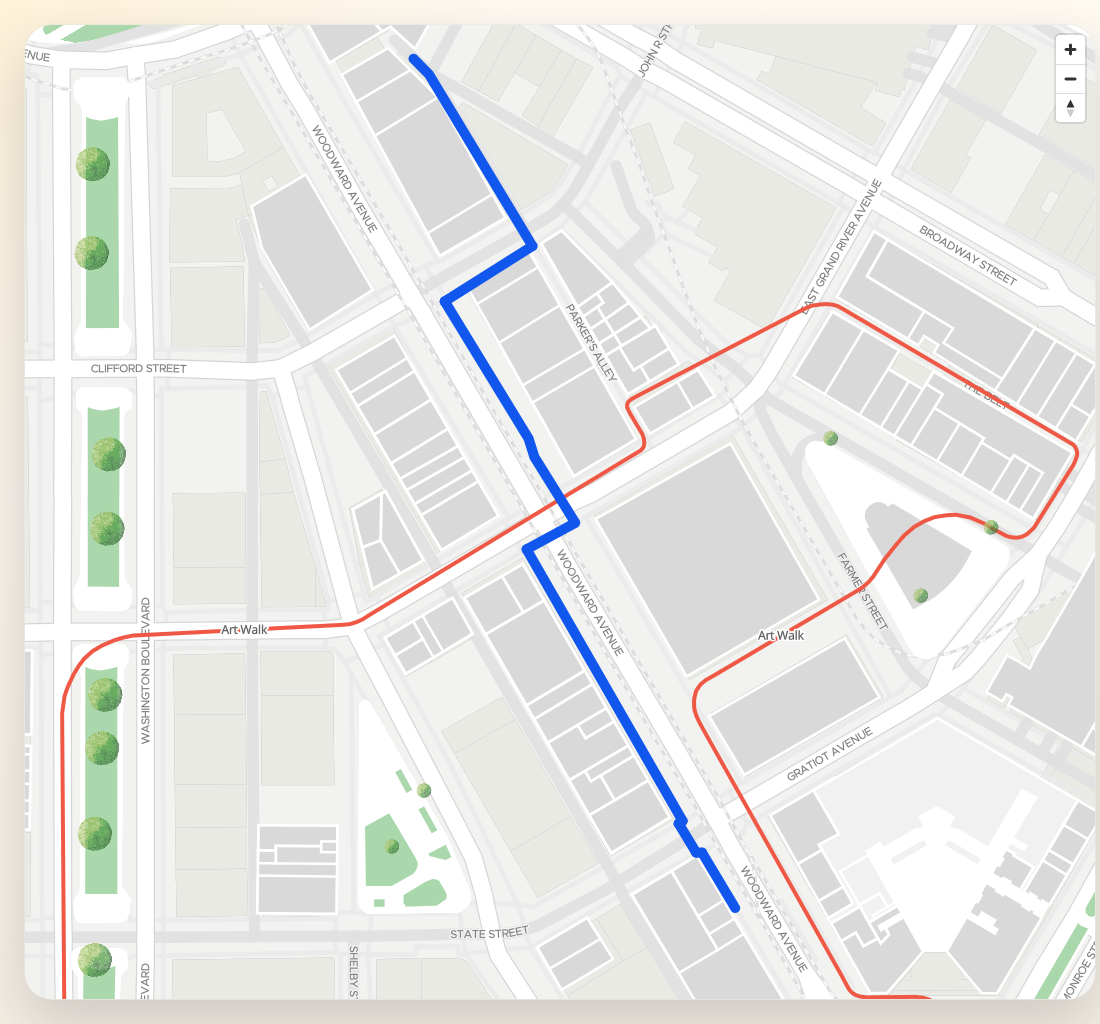
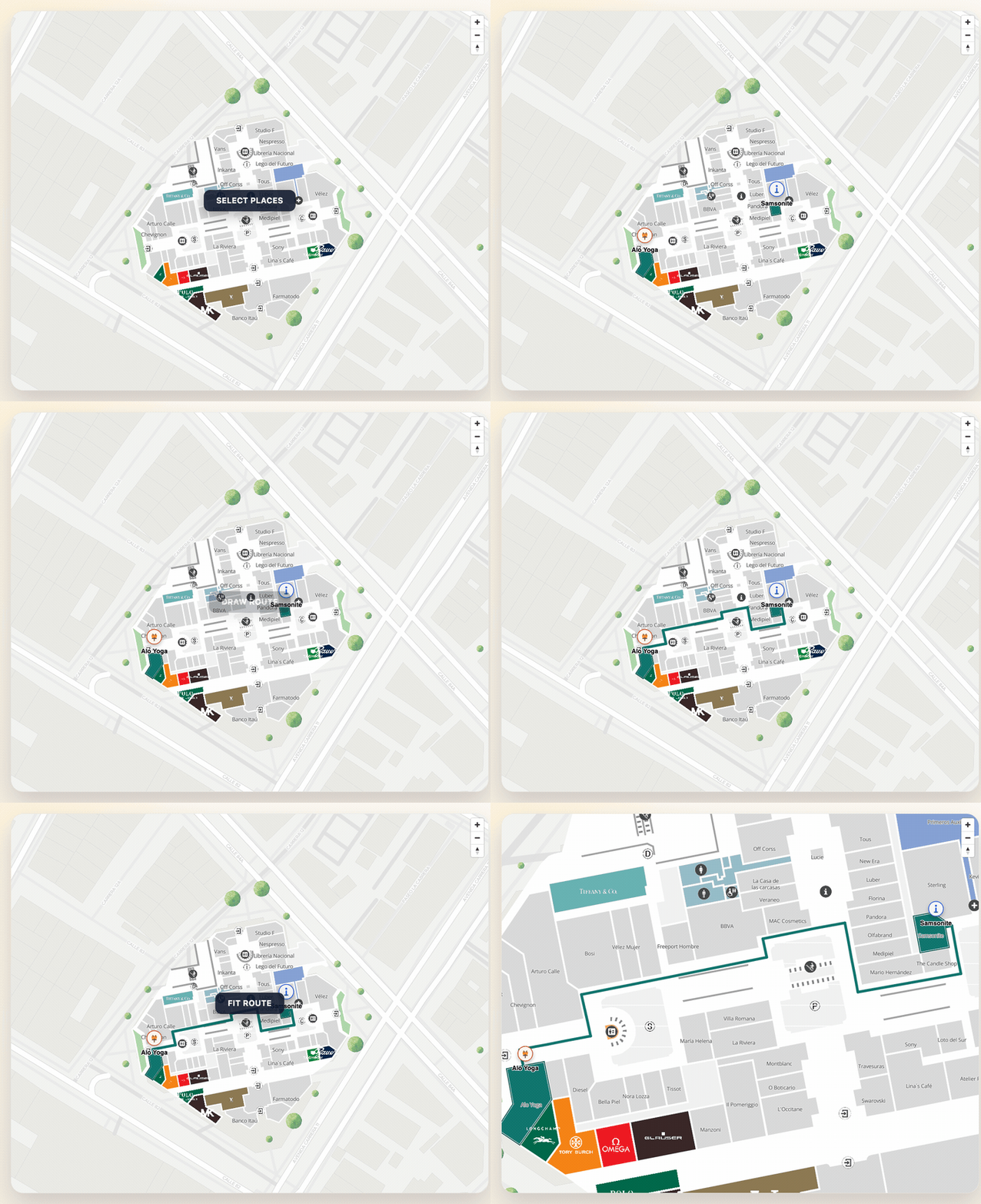
This example connects the three most common SDK building blocks:
- fetch a real
MVXPlace, - create a marker for it,
- style its polygon,
- build and fit a route between two places.
Setup
import {
  TextPosition,
  initializeSDK,
  type DrawRouteConfiguration,
  type MarkerConfig,
  type MVXPlace,
} from "@mapvx/web-js"

const sdk = initializeSDK("<YOUR_API_KEY>", { lang: "es" })
const mapContainer = document.getElementById("map") as HTMLElement

const map = sdk.createMap(mapContainer, {
  center: { lat: 4.666918, lng: -74.053065 },
  zoom: 18,
  parentPlaceId: "<PARENT_PLACE_ID>",
})
Load places from the active building
const places = await sdk.getSubPlaces("<PARENT_PLACE_ID>")

const origin = places[0]
const destination = places[1]
When you already know an ID, getPlaceDetail is still the safest way to get the full place object:
const destinationDetail = await sdk.getPlaceDetail(destination.mapvxId)Add markers tied to real places
function markerFromPlace(place: MVXPlace, iconUrl: string): MarkerConfig {
  return {
    id: `marker-${place.mapvxId}`,
    coordinate: place.position,
    floorId: place.inFloors?.[0],
    text: place.title,
    textPosition: TextPosition.bottom,
    icon: iconUrl,
    iconProperties: {
      width: 36,
      height: 36,
    },
    anchor: "bottom",
  }
}

map.addMarker(markerFromPlace(origin, "/assets/icons/marker-info.svg"))
map.addMarker(markerFromPlace(destinationDetail, "/assets/icons/marker-food.svg"))
Style the matching polygons
const selectedIds = [origin.mapvxId, destinationDetail.mapvxId]

map.setPlacesAsSelected(selectedIds, "#0F766E")
map.addBorderToPlaces(selectedIds, "#134E4A", 2)
Draw and fit a route
const drawConfig: DrawRouteConfiguration = {
  polylineWidth: 6,
  routeStyle: {
    type: "Solid",
    color: "#0F766E",
  },
}

const route = await map.addRoute(
  {
    initialLocation: { id: origin.mapvxId },
    finalLocation: { id: destinationDetail.mapvxId },
    preferAccessibleRoute: false,
  },
  drawConfig
)

map.fitRouteByPlace(route, "<PARENT_PLACE_ID>", {
  padding: {
    top: 80,
    right: 40,
    bottom: 140,
    left: 40,
  },
  maxZoom: 19,
})
Indoor vs outdoor routing differences
- Indoor: Routes resolve floor-by-floor segments. Each step in the response carries
startInsideFloorandendInsideFloorso the SDK can switch the map floor automatically during animation. UsefitRouteByPlaceto scope the camera to a single building. - Outdoor: Routes have no floor context. Steps have
nullfloor IDs. UsefitCoordinateswith the route endpoints to frame the result.
When mixing indoor and outdoor (e.g. campus-to-building), configure
potentialParentPlaces in the remote config and set
multiBuilding: true so the router can cross building boundaries.
Keep markers and route in sync with floors
In indoor buildings, place-derived markers should use the first available place floor so the SDK can hide or show them automatically when the floor changes:
map.updateFloor(origin.inFloors?.[0] ?? "")When the route or UI switches the venue context, use updateParentPlaceAndFloor:
map.updateParentPlaceAndFloor("<PARENT_PLACE_ID>", destinationDetail.inFloors?.[0], {
  onComplete: () => {
    console.log("Indoor context updated")
  },
})
Cleanup
map.removeAllMarkers()
map.removeAllRoutes()
map.clearColoredPlaces()
map.clearBorderedPlaces()
Last updated on